I was recently introduced to a platform development tool from Microsoft that more people should know about.
Background:
On a recent project I was creating an MSI-based installer that was screwing up feature-linking do to dependency scanning and when you selected ComponentA you would also get pieces of ComponentB (but not all of the pieces). this was very frustrating as everything in the visual design tool used to create the MSI looked fine.
Enter Microsoft ORCA.
Microsoft ORCA is an MSI investigation tool that lets you crack open the MSI file and examine the actual component structure. Pretty neat! (at least if you have to build and test MSI packages…)
Microsoft KB article: http://support.microsoft.com/kb/255905/ — How to use the Orca database editor to edit Windows Installer files
Options to install:

Then open Windows Explorer and navigate to the \Microsoft SDK\Bin directory and double-click the ORCA.MSI file to actually setup the tool.
How do I use this nifty new tool?
A shortcut to ORCA gets dropped on your Start Menu during install.
Once ORCA is opened you get a very vanilla interface:
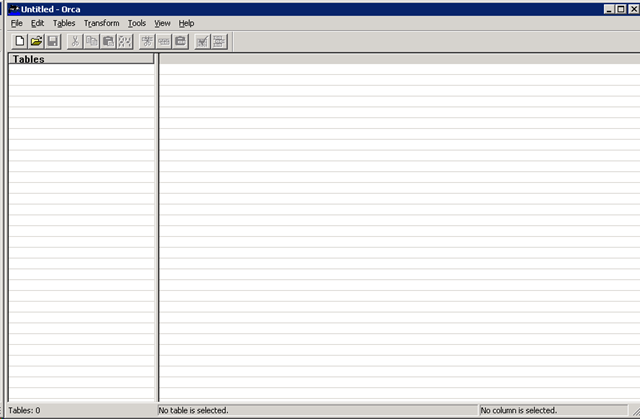
In the File menu open your MSI file and check out the contents of the file. Check out the FeatureComponents listing to find where your associations are.
![clip_image002[5]](https://wellroundeddevelopment.wordpress.com/wp-content/uploads/2009/06/clip_image0025.jpg "clip_image002[5]")
Resolution:
I was able to quickly find the features that were incorrectly associated. You can actually use this tool to directly edit the MSI file (so be careful) but this also gave me the knowledge about which components were incorrectly linked to go dig through the IDE and make corrections.
 Well Rounded Development